Do-it-yourself game plans · No. 10 / 22
Stage 4: What technical work should you do first?
Last updated
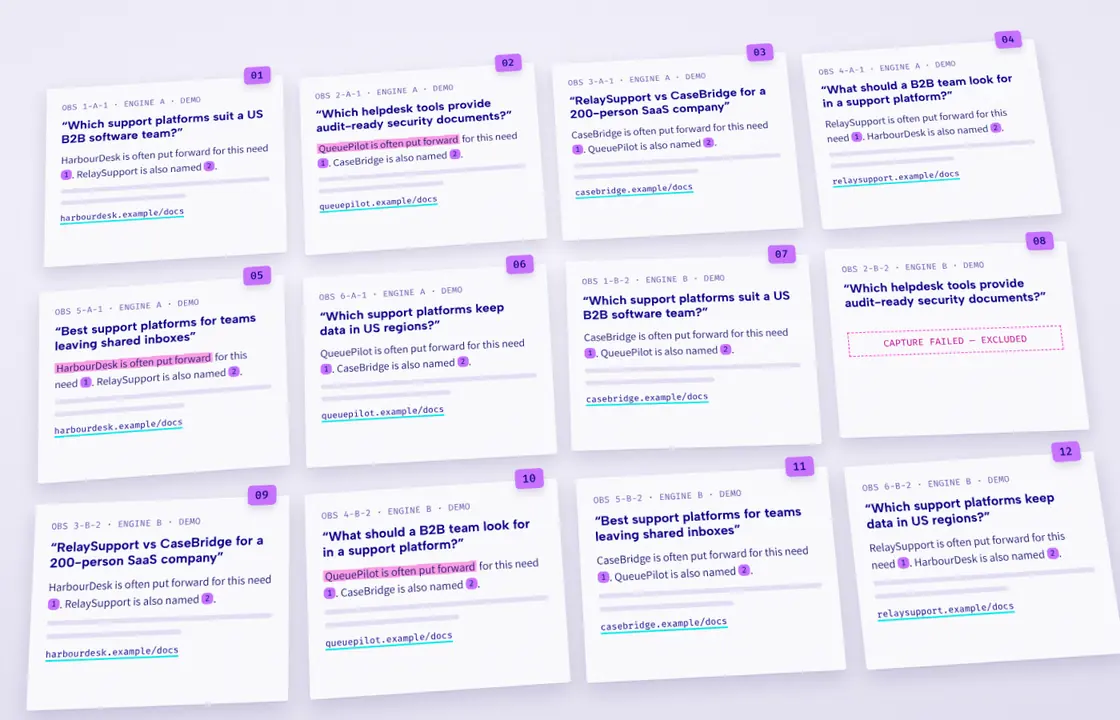
Check access and eligibility before rewriting your site. Keep technical tickets tied to specific URLs and observed problems.
What should the technical checklist contain?
| Check | Action and evidence |
|---|---|
| Google access and response | Confirm important public pages are accessible to Googlebot, return a successful response and contain indexable content. Use URL Inspection rather than relying only on a normal browser visit. (developers.google.com) |
| Google generative-AI inclusion | Inspect Settings → Search generative AI in Search Console. Check parent/child property overrides as well as the top-level choice. Google documents this control separately from ordinary indexing. (support.google.com) |
| ChatGPT search access | Review OAI-SearchBot access and applicable CDN/firewall rules. OpenAI distinguishes it from GPTBot, which concerns potential model-training use. (developers.openai.com) |
| Perplexity search access | Review PerplexityBot and the provider’s current published IP information. Perplexity supplies WAF guidance that combines user-agent and IP conditions. (docs.perplexity.ai) |
| Google crawler-policy confusion | Do not treat Google-Extended as the control for inclusion in Google Search. Google says it does not affect Search inclusion or ranking. (developers.google.com) |
| Duplicate and outdated URLs | Check whether redirects, canonical annotations and sitemap entries consistently identify the intended page. These are documented canonicalisation signals, not AI recommendation guarantees. (developers.google.com) |
| Structured data | Keep markup representative of visible content and test it. Passing a test does not guarantee a rich result, much less a recommendation. (developers.google.com) |
Have the security owner review crawler changes. Do not remove legitimate protections across the entire site or expose private product/customer material to improve discoverability.
What does a useful technical ticket look like?
Use this proposed ticket structure:
Affected page: [URL]
Observed issue: [specific blocked request, indexing problem or conflicting signal]
Evidence: [log excerpt, inspection result and timestamp]
Business relevance: [buying prompts requiring this information]
Requested change: [narrowly scoped configuration or page fix]
Acceptance: [approved access test, expected page content and regression checks]
Rollback: [owner and reversal procedure]
Recheck: [date and method]
After publishing, request recrawling through the appropriate owned-site process where useful. Google notes that repeated recrawl requests for the same URL do not make crawling faster. (developers.google.com)
Do not equate a crawler visit with a citation, or a citation with a recommendation. In this programme, logs establish access evidence; answer captures establish observed answer content.
Sources cited on this page
- developers.google.com developers.google.com/search/docs/essentials/technical?hl=en&utm_source=openai
- support.google.com support.google.com/webmasters/answer/16908024?hl=en-EN&utm_source=openai
- developers.openai.com developers.openai.com/api/docs/bots
- docs.perplexity.ai docs.perplexity.ai/guides/bots
- developers.google.com developers.google.com/crawling/docs/crawlers-fetchers/google-common-crawlers
- developers.google.com developers.google.com/search/docs/crawling-indexing/consolidate-duplicate-urls?h
- developers.google.com developers.google.com/search/docs/appearance/structured-data/sd-policies?isappin
- developers.google.com developers.google.com/search/docs/crawling-indexing/ask-google-to-recrawl?hl=en&